
OpenAI has made its advanced digital editing tool Canvas available to all ChatGPT users, enhancing functionality and usability.
OpenAI has broadened access to its advanced digital editing tool, known as Canvas, to all users of its ChatGPT platform, according to an announcement made during a livestreamed event earlier today. This extends a previously restricted feature that was only available to paid subscribers, including those with ChatGPT Plus, Teams, Edu, and Enterprise accounts.
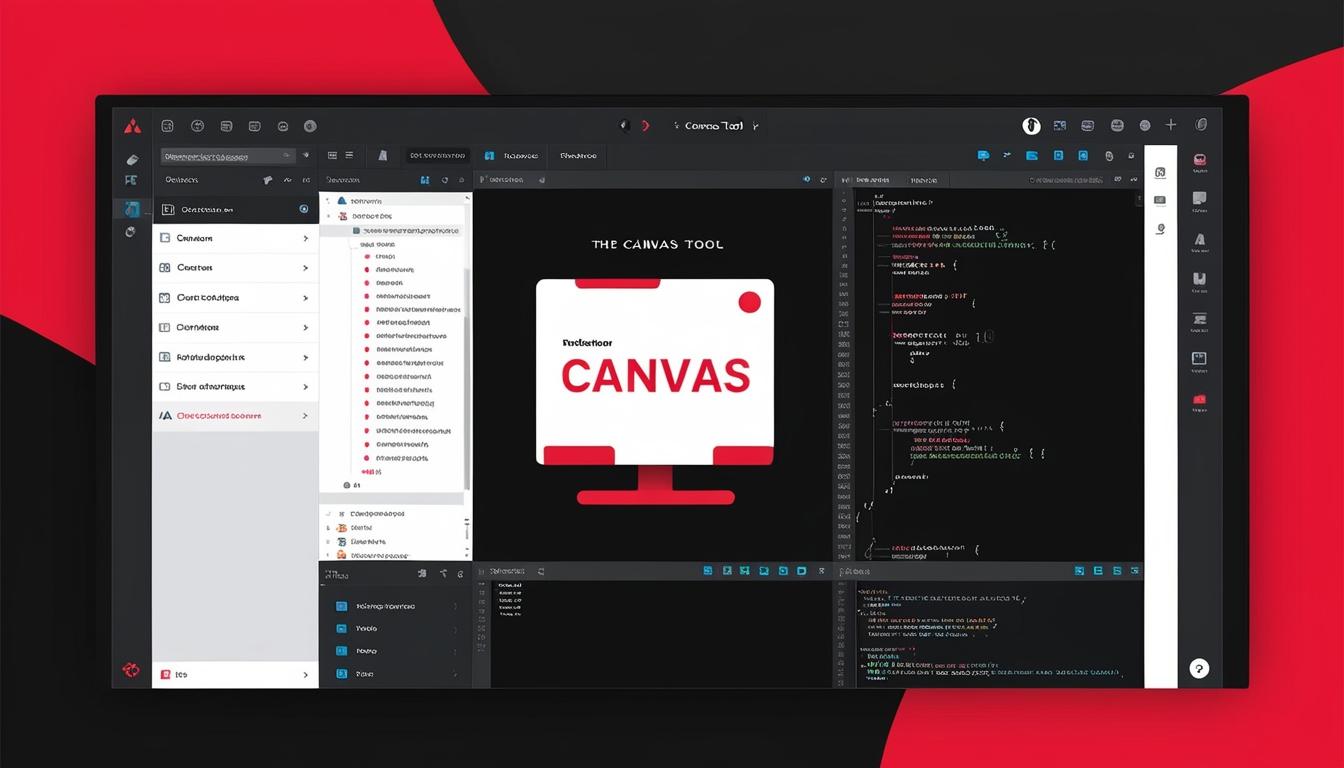
Canvas, which was first introduced in October, transforms the conventional ChatGPT interface. It employs a left-hand sidebar that allows users to converse with ChatGPT while simultaneously working on documents or code displayed in a designated area on the right side of the chat screen. This dual setup facilitates real-time editing; for instance, if a user requests modifications to the content displayed in the right sidebar, those changes will be automatically reflected in the workspace without the need to generate a new text response using the traditional interface. The tool also offers suggestions for text and code that users can implement instantly.
Furthermore, the integration of Canvas with the newly launched GPT-4o means users no longer need to switch models to use this feature. Canvas will automatically activate for certain prompts or pasted text, and it is accessible only via the web version or the Windows application of ChatGPT. The update includes the ability for Canvas to execute Python code, enhancing its functionality compared to prior versions that required additional steps to verify the execution of code generated within ChatGPT.
During a demonstration of the tool, OpenAI showcased Canvas’s capability to generate and display graphics directly from code, enabling developers and analysts to modify their data or formulas effectively before finalising visual outputs. Moreover, the latest version includes features for identifying bugs in code and providing suggestions for their rectification, showcasing Canvas’s utility for programming tasks.

Custom GPTs designed by users will also benefit from the Canvas integration by default, although users retain control over when or if Canvas will open for their specific prompts. Existing custom GPTs will not have Canvas enabled automatically to prevent disruptions in established workflows; however, users can incorporate Canvas into their customisations via settings.
OpenAI has indicated plans to continue enhancing Canvas and introducing new features in the near future. The addition of such tools reflects the competitive landscape of digital interfaces, as developers strive to offer users effective features that meet their evolving needs.
Source: Noah Wire Services
- https://community.openai.com/t/chatgpt-4o-with-canvas-your-thoughts-and-experience/966926?page=3 – This link corroborates the introduction of ChatGPT-4o with Canvas and its features, including the interface and functionality enhancements.
- https://community.openai.com/t/chatgpt-4o-with-canvas-your-thoughts-and-experience/966926?page=3 – It supports the information about the dual setup of Canvas, allowing users to converse with ChatGPT while working on documents or code.
- https://community.openai.com/t/chatgpt-4o-with-canvas-your-thoughts-and-experience/966926?page=3 – This link explains the automatic reflection of changes in the workspace without the need for a new text response, and the suggestions for text and code.
- https://community.openai.com/t/chatgpt-4o-with-canvas-your-thoughts-and-experience/966926?page=3 – It confirms the integration of Canvas with GPT-4o, eliminating the need to switch models and the automatic activation of Canvas for certain prompts or pasted text.
- https://community.openai.com/t/chatgpt-4o-with-canvas-your-thoughts-and-experience/966926?page=3 – This link details the accessibility of Canvas only via the web version or the Windows application of ChatGPT.
- https://community.openai.com/t/chatgpt-4o-with-canvas-your-thoughts-and-experience/966926?page=3 – It supports the information about Canvas executing Python code and enhancing its functionality compared to prior versions.
- https://community.openai.com/t/chatgpt-4o-with-canvas-your-thoughts-and-experience/966926?page=3 – This link corroborates Canvas’s capability to generate and display graphics directly from code and its utility for programming tasks.
- https://community.openai.com/t/chatgpt-4o-with-canvas-your-thoughts-and-experience/966926?page=3 – It explains the features for identifying bugs in code and providing suggestions for their rectification.
- https://community.openai.com/t/chatgpt-4o-with-canvas-your-thoughts-and-experience/966926?page=3 – This link supports the information about custom GPTs benefiting from Canvas integration and user control over when or if Canvas will open for specific prompts.
- https://community.openai.com/t/chatgpt-4o-with-canvas-your-thoughts-and-experience/966926?page=3 – It confirms that existing custom GPTs will not have Canvas enabled automatically to prevent disruptions in established workflows.