
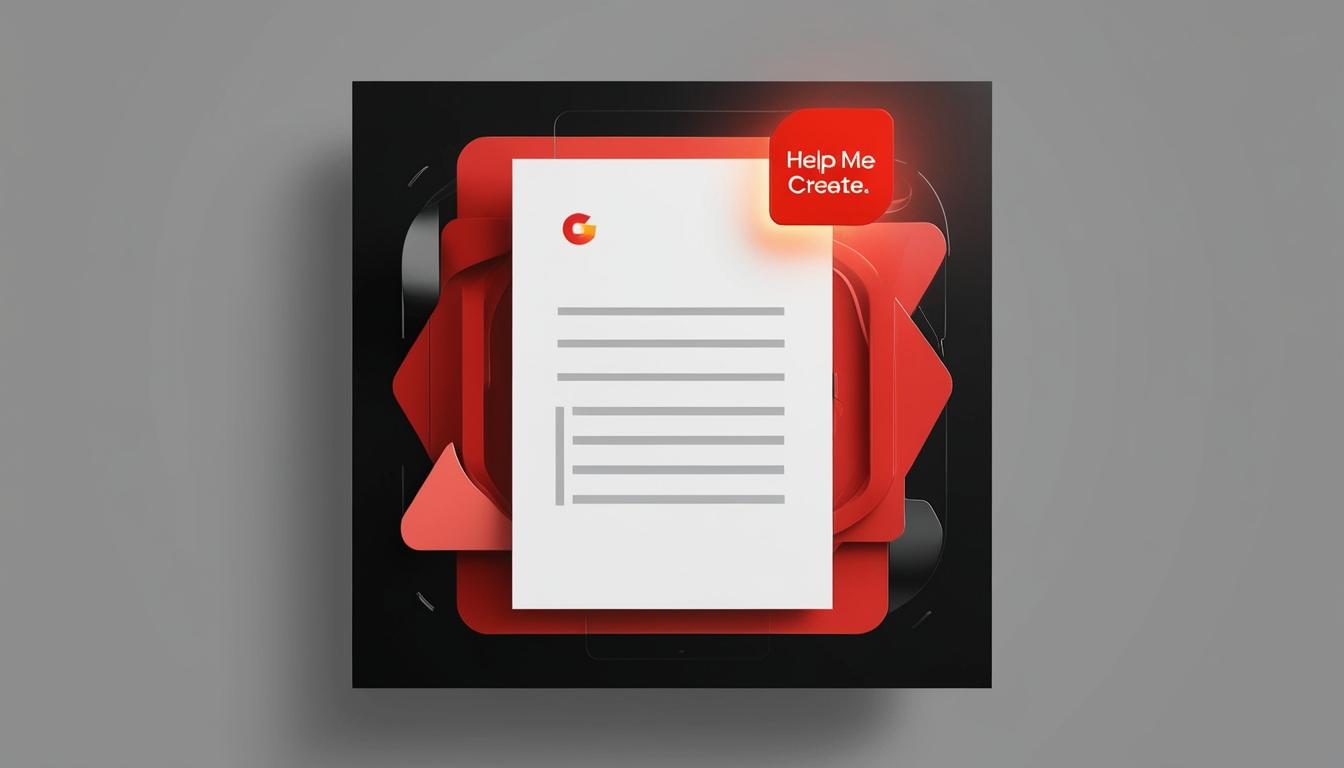
Google introduces Help Me Create, a new AI tool designed to streamline the document creation process within its Workspace platform, allowing users to start from scratch.
Google has introduced a new AI tool called Help Me Create for its Workspace platform, aiming to offer users a more seamless way to initiate document creation. The tool stands out from its predecessors as it allows users to start with a blank slate, requiring only a prompt detailing their objectives for the document. This tool is set to enhance productivity by enabling users to draft comprehensive plans such as marketing strategies or personal checklists without needing to start from an existing document or idea.
Help Me Create is part of a broader suite of AI applications that Google has made available for its Workspace services, which include popular applications like Docs, Keep, and Gmail. While existing tools such as Help Me Write and Help Me Organize are tailored to assist users once their projects are underway, Help Me Create is specifically designed to facilitate the initiation of new documents. Upon supplying a prompt, users can expect detailed outputs that incorporate not just text but also styles, cover imagery, and in-line images.
The functionality of Help Me Create is enhanced by its ability to access data from other documents stored within Google Drive. Users can reference existing documents in their prompts by prefixing them with an “@” symbol. To utilise this feature, users can either access it via a shortcut in a new document or select it through the menu path File → New → Help Me Create.
This new functionality is part of a staggered rollout to paid Workspace users, with full accessibility anticipated by January 9, 2025. Notably, Help Me Create is only available to subscribers of specific Workspace tiers, including Gemini Business, Enterprise, Education, Education Premium, or Google One AI Premium add-ons. As it stands, the feature supports only pageless documents and is currently limited to English.
In an earlier announcement, Google hinted at the development of additional AI tools aimed at further simplifying user experiences across its applications. For instance, another upcoming feature linked to the Keep application intends to streamline the process of creating grocery shopping lists prior to cooking.
The rollout of Help Me Create reflects Google’s commitment to enhancing workplace productivity through AI-driven solutions, catering specifically to the needs of business professionals and educators who seek efficient ways to manage their documentation tasks.
Source: Noah Wire Services
- https://support.google.com/docs/answer/13447609?visit_id=638574572286306428-13730876&p=before-using-ai&rd=1 – This link corroborates the existence of AI tools like ‘Help me write’ in Google Docs, which is part of the broader suite of AI applications for Google Workspace.
- https://support.google.com/docs/answer/13447609?visit_id=638574572286306428-13730876&p=before-using-ai&rd=1 – It explains how users can use prompts to generate text, similar to the functionality described for ‘Help Me Create’.
- https://support.google.com/docs/answer/13676332?hl=en – This link supports the existence of ‘Help me organize’ in Google Sheets, another AI tool within the Google Workspace suite.
- https://workspace.google.com/intl/en_ca/solutions/ai/ – It discusses Gemini for Google Workspace, which includes AI features across various applications like Docs, Sheets, and Gmail, aligning with the broader AI tool suite mentioned.
- https://workspace.google.com/intl/en_ca/solutions/ai/ – This link explains the enterprise-grade security and privacy features of Gemini, which is relevant to the security and accessibility of ‘Help Me Create’.
- https://support.google.com/docs/answer/13447609?visit_id=638574572286306428-13730876&p=before-using-ai&rd=1 – It details how users can access and use AI features via specific menus and shortcuts, similar to the access method described for ‘Help Me Create’.
- https://workspace.google.com/intl/en_ca/solutions/ai/ – This link mentions the availability of AI tools to specific Workspace tiers, such as Gemini Business, Enterprise, Education, and others, which aligns with the accessibility criteria for ‘Help Me Create’.
- https://support.google.com/docs/answer/13447609?visit_id=638574572286306428-13730876&p=before-using-ai&rd=1 – It explains the importance of writing instructions instead of questions for better results, a tip that could apply to using ‘Help Me Create’ effectively.
- https://workspace.google.com/intl/en_ca/solutions/ai/ – This link highlights Google’s commitment to enhancing workplace productivity through AI-driven solutions, which is reflected in the rollout of ‘Help Me Create’.
- https://support.google.com/docs/answer/13676332?hl=en – It provides examples of how AI can be used to create new tables and organize data, similar to the initiation of new documents with ‘Help Me Create’.
- https://workspace.google.com/intl/en_ca/solutions/ai/ – This link discusses upcoming AI features aimed at simplifying user experiences, such as streamlining the process of creating grocery shopping lists, which aligns with the development of additional AI tools mentioned.