
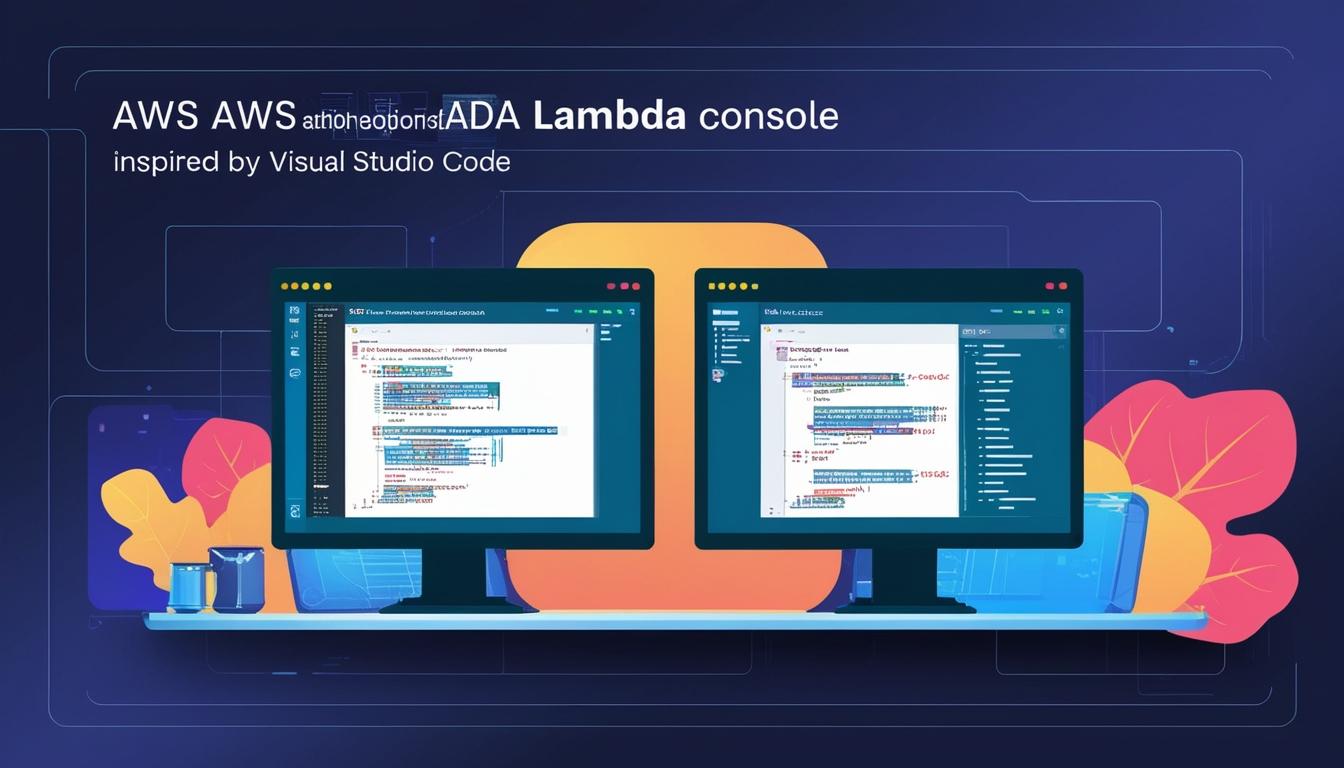

AWS Lambda has launched a major upgrade to its console, featuring a new code editing experience inspired by Visual Studio Code, enabling improved debugging, testing, and accessibility for developers.
AWS Lambda has unveiled a significant upgrade to its console, integrating a new code editing experience rooted in the Visual Studio Code Open Source (Code-OSS) editor. This enhancement mirrors a local development environment, empowering developers with the flexibility to install preferred extensions and tailor settings to their liking. One of the notable improvements includes the capability to handle function packages up to 50 MB directly within the console, a substantial advance over the previous limit. However, a 3 MB per file size limit is still in effect, which users must consider when managing functions with comprehensive dependencies.
This update comes with several innovative features aimed at enhancing the developer experience. The editor now supports a split-screen layout, allowing users to simultaneously view test events, function code, and outputs. This setup is complemented by the real-time CloudWatch Logs Live Tail integration, which enables developers to monitor logs as the code runs, facilitating immediate troubleshooting and expedited iteration.
Feedback from the developer community has been positive. On a popular Reddit thread, a user shared praise for the enhanced debugging and testing capabilities, commenting on its utility. Julian Wood, who serves as a Serverless developer advocate at AWS, took to social media to express his enthusiasm, stating that the updated console provides a seamless interface reminiscent of a full IDE. He also noted the simplicity of test invokes, which now allow results to be viewed side-by-side with the code, making for quicker iterations.
Accessibility has been a focus in this overhaul. AWS has integrated features such as screen reader support, high-contrast themes, and navigation via keyboard to ensure the experience is inclusive for all developers, regardless of disability.

In addition to these features, the console now includes Amazon Q Developer, an AI-driven coding assistant. This tool offers real-time suggestions, code completions, and troubleshooting guidance, aiming to enhance coding efficiency and reduce the need for context-switching. Amazon Q delivers contextual suggestions that assist in repetitive or intricate tasks, such as configuring permissions or managing event-specific data structures. Brian Breach from the AWS DevOps and Developer Productivity team highlighted that Q Developer offers code recommendations in real-time, generating suggestions based on existing code and comments.
Despite the positive reception, some in the AWS community have expressed mixed feelings. Alan Blockley, an AWS enthusiast, shared his thoughts on LinkedIn, noting the modernisation brought by the release, yet expressing reservation about coding directly within the console, which he believes might discourage best practices like Infrastructure as Code (IaC) and change control systems. Meanwhile, developer Marcin Kazula commented on the benefits for experimentation, quick fixes, and validation of deployed code, also appreciating the capacity to handle larger Lambda packages.
The newly upgraded code editor is currently available in all AWS regions where Lambda is present, providing developers across the globe access to these advanced tools and features.
Source: Noah Wire Services